Exact Text and Logos in AI Video Ads: A Reliable Editing Workflow
Separate generated motion from precise brand typography, product names and calls to action.
By the ClipMotion team · · 2,334 words · 11 min read
A ClipMotion brand guide written with AI assistance. Worked examples are hypothetical and do not represent measured customer results.
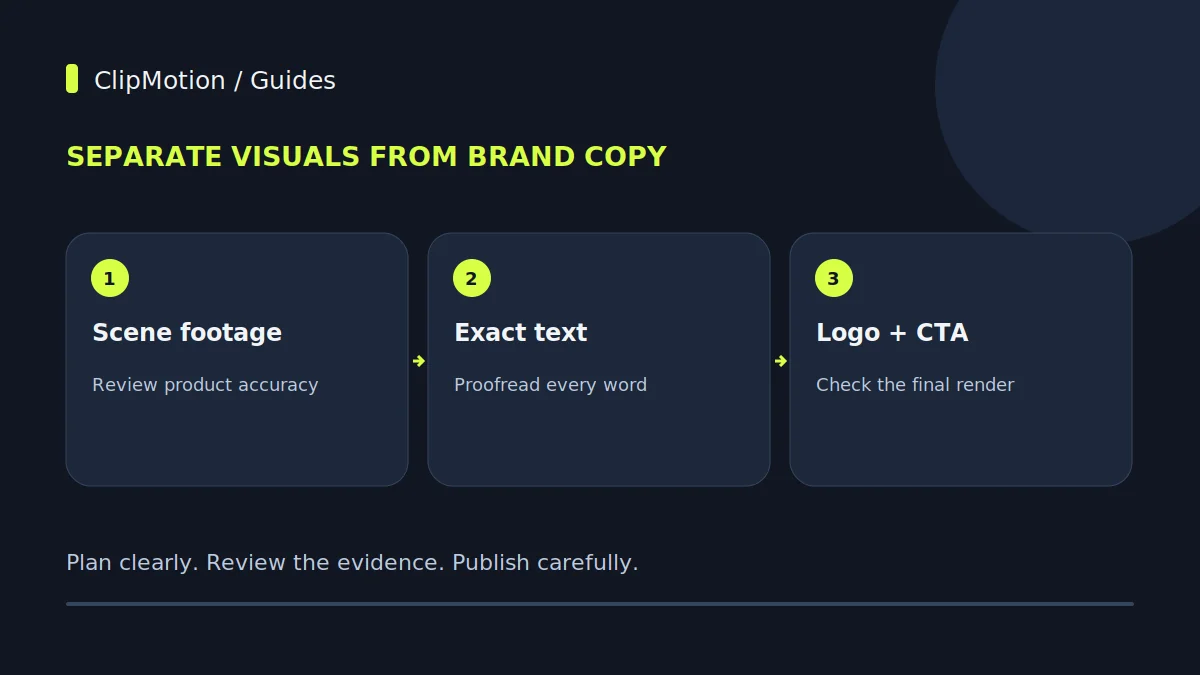
Producing AI-driven video ads with precise text overlays and perfectly integrated logos requires a methodical workflow that leverages the deterministic nature of tools like Remotion. The key lies in meticulous pre-composition planning, accurate input of all textual elements—including exact offer details, dates, conditions, and special characters—and careful consideration of how these elements will interact with the AI-generated visual scenes. By ensuring high-quality logo assets and rigorously proofreading all copy before generation, brands can reliably achieve their desired messaging and visual identity, streamlining revisions to copy-only changes that do not necessitate regenerating the underlying visual clips. This workflow supports accurate copy, but the exported composition still needs proofreading and visual review, especially for time-sensitive offers and disclaimers.
Defining Your Message: The Core Offer and Its Structure
The foundation of any effective video ad is a clear, concise, and compelling message, particularly when it involves a specific offer. For AI video production, this clarity is paramount because the system interprets and places exactly what you provide. When planning a seasonal home accessories promotion, for instance, your core offer needs to be broken down into its essential components: what is being offered, the benefit, the discount (if any), validity dates, and any critical conditions. This structured approach helps in segmenting information for different overlay placements throughout your ad.
Consider a hypothetical "Autumn Comfort Collection" promotion. Instead of a vague "Save Big This Fall," define it precisely: "25% Off All Autumn Comfort Throws & Pillows." Then, add the validity: "Offer Valid September 1st - 15th." Any conditions, such as "While Supplies Last" or "Online Only," must also be explicitly stated.
Strategic Logo Placement: Integrating Brand Identity
Your brand logo is a critical element for recognition and trust. Its integration into AI-generated video ads requires forethought regarding file preparation, placement, and visual harmony. The goal is consistent brand representation that never compromises readability or overwhelms the primary visual content. Start with high-resolution logo files, preferably in a vector format (like SVG) or a high-quality PNG with a transparent background. This ensures crispness at any scale without pixelation, which is crucial as Remotion composites your logo onto the final visual.
When considering placement, evaluate typical screen safe zones for various platforms where the ad might run. Common positions include the top-right or top-left corners, or subtly at the bottom of the screen. For a seasonal home accessories ad, imagine a shot of a cozy living room. A logo placed unobtrusively in the corner maintains brand presence without competing with the featured product. Avoid placing the logo over key visual elements like product details or faces. Always consider the contrast between your logo and potential AI-generated backgrounds.
Typography for Impact: Readability, Contrast, and Hierarchy
The effectiveness of your text overlays hinges on their readability, the contrast they have against the background, and the clear hierarchy of information they establish. While ClipMotion leverages Remotion to add your exact text, you, as the creator, dictate what that exact text is and how it’s structured. This means pre-planning the importance of each textual element. For a seasonal home accessories promotion, the headline might be "Cozy Up This Winter," followed by a subheading like "Save 20% on Select Throws," and then a smaller call-to-action (CTA) like "Shop Now at [YourBrand.com]."
Each piece of text needs sufficient contrast against the underlying visual generated by LTX 2.5. If the AI generates a scene with varying light and dark areas, a single-color text overlay might become illegible in parts. General best practices suggest using high-contrast combinations, such as light text on dark backgrounds or vice-versa. Avoid placing text directly over busy visual areas or intricate patterns generated by the AI.
Mastering Text Details: Accents, Glyphs, and Special Characters
Accuracy in text extends beyond basic alphanumeric characters to include accents, glyphs, and special symbols. These seemingly minor details are crucial for maintaining brand voice, adhering to linguistic standards, and ensuring legal compliance. When providing your "exact message" to ClipMotion, it's imperative to input these elements correctly. For example, if your brand name includes a trademark symbol (™) or a registered trademark symbol (®), or if your promotion targets a market requiring specific diacritics (e.g., "Après-ski collection"), these must be included in your text input. Remotion adds the exact text provided, meaning any missing or incorrect special characters will propagate directly to the final video.
The most reliable method is to directly copy and paste special characters from a trusted source, such as a character map or a document where they are already correctly formatted. This avoids potential issues with manual input that might default to plain English equivalents or substitute incorrect glyphs.
The Iterative Advantage: Copy-Only Revisions in Remotion
One of the significant workflow efficiencies within ClipMotion arises from Remotion's ability to facilitate copy-only revisions. After LTX 2.5 generates the visual scenes and Remotion composites the initial text and logo, you might identify areas where the text can be improved without altering the underlying visuals. This could be refining a call-to-action, correcting a typo, updating a discount percentage, or adjusting an end-date. Crucially, editing overlay copy does not require regenerating a still-valid visual clip. This saves considerable time and resources.
To leverage this feature, first review the generated video. If the visual components perfectly align with your scene plan and convey the desired aesthetic, but the text needs tweaking, you can modify the text input associated with that specific scene or overlay in ClipMotion. Upon previewing or re-exporting, Remotion can render the updated composition using the existing, approved visual clip when the change affects copy alone and the visual context remains valid. This allows for rapid iteration on messaging, ensuring your offer is perfectly articulated without incurring the processing time of re-generating scene visuals.
Hypothetical Scenario 1: The "Autumn Glow" Promotion
Let's walk through a hypothetical seasonal home accessories promotion using ClipMotion. Imagine a brand launching its "Autumn Glow Collection," featuring warm-toned blankets, scented candles, and decorative gourds.
Objective: Advertise a limited-time 15% discount with a clear call to action.
Scene 1: Introduction
- Visual Plan (ClipMotion Scene Workflow): A beautifully styled living room corner with soft, inviting lighting, showcasing a plush throw blanket and several pillar candles.
- Text Overlay Input (Exact Message):
- Main Headline (Large): "Autumn Glow Collection"
- Sub-headline (Medium): "Embrace Cozy Comfort"
- Logo: Brand logo, top-right, subtle.
Scene 2: The Offer
- Visual Plan: A close-up shot of hands gently arranging decorative gourds on a console table, with a soft-focus background of more autumnal items.
- Text Overlay Input:
- Offer (Large, prominent): "Save 15% This Fall!"
- Conditions (Smaller): "On All Autumn Glow Items."
- Dates (Small): "Offer Ends October 31st." (Using the full character set for "th")
- Logo: Brand logo, top-right.
Scene 3: Call to Action
- Visual Plan: A wide shot of the collection displayed artistically on a shop shelf or a stylish e-commerce layout, with a clear purchase path implied.
Hypothetical Scenario 2: The "Spring Bloom" Clearance
For our second hypothetical example, consider a brand running a "Spring Bloom Clearance" for their pastel-colored home linens and decorative vases.
Objective: Announce a significant sale percentage and direct customers to a specific sale page, emphasizing discounted pricing.
Scene 1: Opening Hook
- Visual Plan (ClipMotion Scene Workflow): A bright, airy bedroom with pastel bedding and fresh flowers in a vase, suggesting renewal.
- Text Overlay Input:
- Main Headline: "Spring Bloom Clearance"
- Sub-headline: "Refresh Your Home for Less"
- Logo: Brand logo, top-left.
Scene 2: Discount Reveal
- Visual Plan: A dynamic shot showcasing several different decorative vases and linen samples, implying variety and availability.
- Text Overlay Input:
- Offer (Large, bold): "Up to 50% Off Select Items!"
- Specifics (Medium): "Linens, Vases & More."
- Disclaimer (Small): "Prices as Marked. While Supplies Last."
- Logo: Brand logo, bottom-right.
Scene 3: Urgency & Call to Action
- Visual Plan: A quick montage of various discounted items, ending on a product detail page view (hypothetically generated for effect).
During review of the generated video, it was noted that "Up to 50% Off Select Items!" had a slight misplacement over a visually complex part of the generated background in Scene 2, making it momentarily hard to read one word.
Common Overlay Mistakes and Their Resolutions
Even with a detailed plan, mistakes can occur. Recognizing common issues and knowing how to fix them efficiently is key to a smooth workflow.
- Issue: Text Legibility on Dynamic Backgrounds.
- Mistake: Text color provides insufficient contrast against varied light/dark areas in the AI-generated scene. For example, dark text on a dark part of a "cozy fireplace" visual.
- Fix: Adjust text placement within the ClipMotion interface to a clearer area of the visual. If repositioning isn't enough, consider if the background visual itself is too busy or if the text needs a subtle, contrasting background shape within the compositing step (though ClipMotion directly adds text, not background shapes to text), or if the original logo asset needs a slight stroke or drop shadow (prepared externally). The most direct fix within ClipMotion's typical usage is careful placement and ensuring the text input itself is clear. 2.
Ensuring Quality: Acceptance Criteria for Final Output
Before an AI video ad is deemed ready for distribution, it must pass a rigorous quality check focused on text and logo fidelity. These are your non-negotiable acceptance criteria:
- Text Accuracy: Every word, number, symbol, accent, and glyph must be precisely as intended in the original copy. No typos, incorrect dates, or missing characters.
- Legibility: All text overlays must be easily readable from a typical viewing distance on various screen sizes (mobile, desktop). This means sufficient size, clear positioning, and adequate contrast against the visual background.
- Hierarchy Clarity: The visual hierarchy of text must be unambiguous. The main message should stand out, supporting details should be discernible, and the call to action should be clear and compelling.
- Logo Fidelity: The brand logo must appear crisp, clear, correctly positioned, and at an appropriate size without pixelation or distortion. It should never obstruct key visual information or primary text. 5.
Beyond AI: Understanding the Limitations and Alternatives
While ClipMotion excels at generating visual scenes and compositing exact text and logos, there are situations where authentic photographs, screen recordings, or bespoke footage are preferable or even necessary. Understanding these limitations helps in making informed decisions about your production strategy.
AI-generated visuals from LTX 2.5 offer incredible versatility and speed for concepts that are well-described and within the AI's learned style domain. However, certain nuances might require real-world capture:
- Specific Product Detail: If showcasing intricate textures, unique material properties, or precise manufacturing details is critical for a high-value product, a professional photograph or video might capture these nuances more accurately than an AI rendering. For example, demonstrating the softness of a specific fabric in a throw blanket might be better conveyed by a real-world close-up.
- Human Interaction and Emotion: While AI can render realistic human forms, conveying genuine emotion, spontaneous interaction, or specific cultural nuances often requires real actors and footage.
In summary, use ClipMotion for rapid, diverse, and controlled visual generation when the core aesthetic is key and exact text/logo overlays are paramount.
Final Check for Text and Logos in Your AI Video Ad
Before launching your seasonal home accessories promotion, run through this concise checklist to ensure every text overlay and logo integration is perfect:
- All Text Proofread: Confirmed 100% accuracy of all words, numbers, dates, symbols, and accents.
- Offer Details Exact: Discount percentage, specific product inclusion, start/end dates, and conditions are precise and clear.
- Readability Confirmed: All text is sufficiently large, well-placed, and high-contrast against its background across all scenes.
- Hierarchy Effective: Primary message stands out, secondary info supports it, CTA is prominent.
- Logo Clarity & Position: Logo is crisp, correctly scaled, properly positioned, and never obscured or obscuring.
- Brand Consistency: Logo usage and key messaging are uniform throughout the ad.
- No Clipping: Text or logos are not cut off at any screen edge.
- Call to Action Clear: The CTA is unambiguous and actionable.
- Legal Compliance (if applicable): All necessary disclaimers or legal text are present and legible.
- Visual Context Valid: If any copy was revised, confirm the existing visual clip still makes sense with the new text.
Frequently Asked Questions (FAQ)
How can I ensure my logo always appears sharp in the final video? Always upload your logo in the highest possible resolution, preferably a vector format like SVG, or a high-quality PNG with a transparent background. This allows Remotion to scale it appropriately without pixelation during the final composition onto the visual scenes generated by LTX 2.5. Low-resolution JPEGs will almost always appear blurry when scaled up.
If the generated background competes with your message, review the placement and style options exposed by your selected template. Shorten the copy or choose a composition with clearer space for text. Precise repositioning depends on the current interface and template; use an external editor if the required control is unavailable. If you change the scene prompt or reference, review the new clip against the product again before approving it.
Available styling controls depend on the selected template and current interface. Check the settings you can actually edit rather than assuming every capability of the underlying Remotion code is exposed in the studio. Supply the exact wording and inspect the exported text at its intended display size. If your campaign needs a specific font or layout that the template cannot provide, prepare that treatment in your editing workflow and verify the final composition.
I updated my offer dates. Do I need to regenerate the entire video? No, if only the text for the offer dates has changed, and the visual context of the scene remains appropriate, you can use ClipMotion's copy-only revision feature. Remotion will update the text overlay without requiring a regeneration of the underlying visual clip created by LTX 2.5. This makes updating time-sensitive information highly efficient.
Achieving precise text and logo integration in AI video ads is a process of careful planning, meticulous input, and strategic refinement. By leveraging the deterministic capabilities of ClipMotion and Remotion, brands can consistently produce high-quality, on-message video content. Start your next project with ClipMotion and experience the power of exact text and logo overlays.